



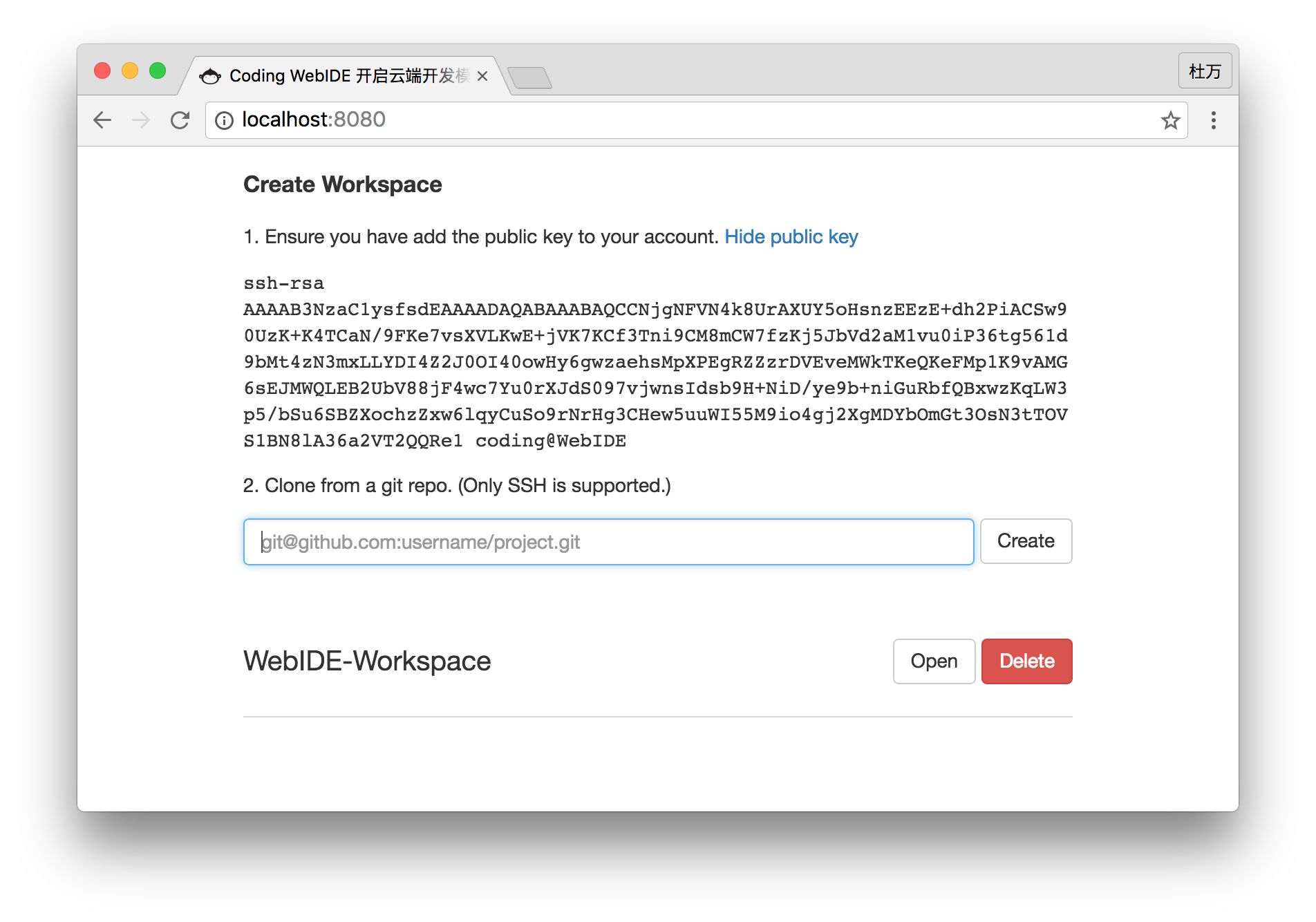
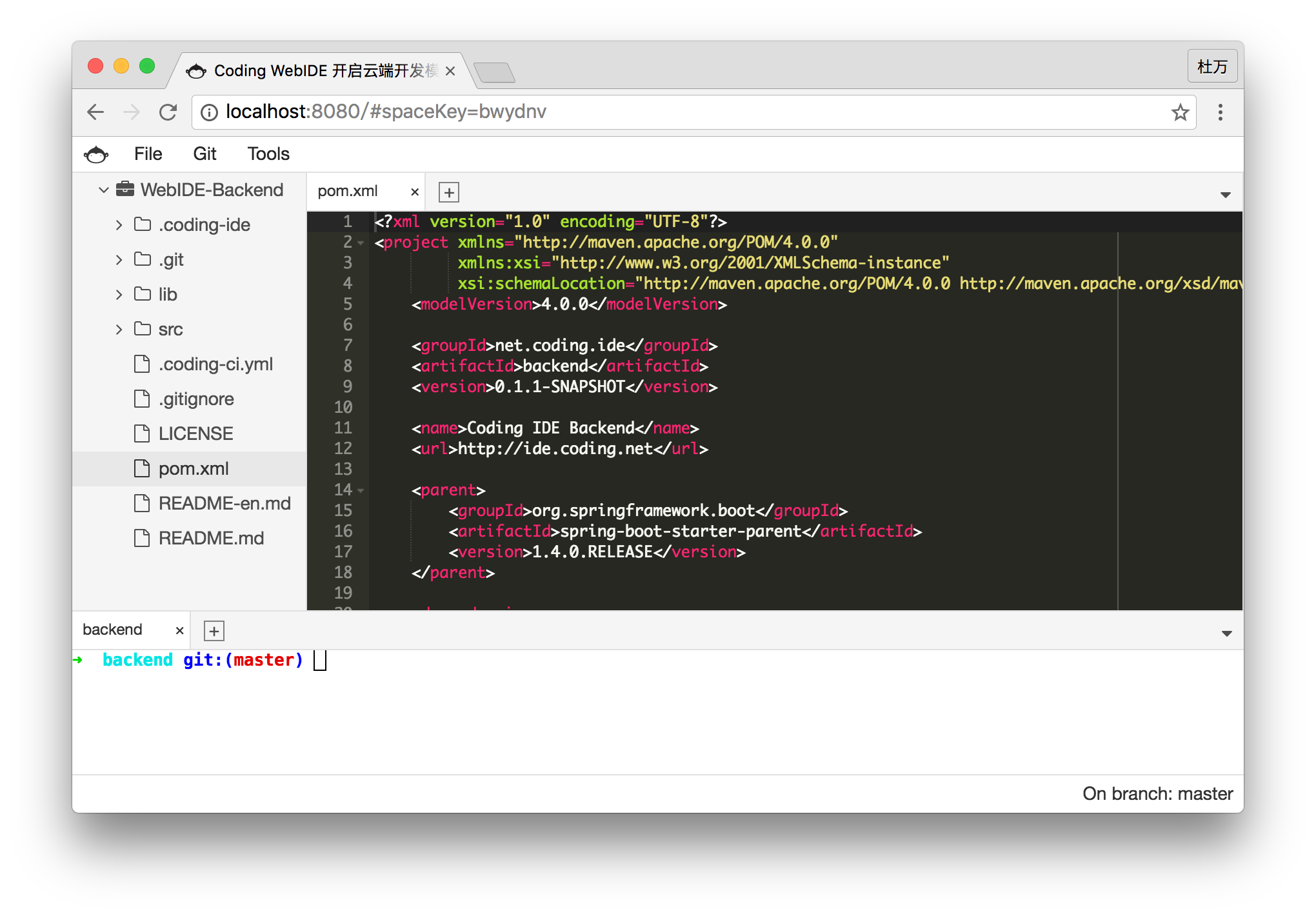
Coding WebIDE(https://ide.coding.net) is a cloud-based IDE developed by Coding Team.You can create your own workspace and develop projects here.WebIDE works fine with Git. You can use Coding、GitHub、BitBucket、GitLab as your Git repository. Workspaces are powered by Docker Ubuntu containers.The development environment can be saved and shared to your team member.
Please submit issues to corresponding projects, that'll help us make issues tracking easier so that we can provide timely help to you. Submit frontend issues at WebIDE-Frontend and backend issues at WebIDE-Backend.
- Built-In Terminal
- Syntax Highlighting
- Language Tools
- Themes
- Split View
- VIM/Emacs Mode
- Previews
This is the entry point to setup and run the WebIDE Community Edition project. It includes other 3 repos as git submodules.
- WebIDE-Frontend contains frontend code.
- WebIDE-Frontend-Webjars packs frontend to webjar.
- WebIDE-Backend contains backend code.
WebIDE Frontend require node v6.x as build environment (this will save you from alot of weird errors). We recommend yarn for package management, webpack and babel is used for building.
Frontend Webjars & WebIDE Backend use maven3 and java8.
The project requires at minimum 512MB memory to run. Please ensure you have corresponding tools installed in your environment before build and run the project.
Clone from coding.net:
git clone git@git.coding.net:coding/WebIDE.git
Clone from github.com:
git clone git@github.com:Coding/WebIDE.git
Init and pull submodules:
git submodule init
git submodule update
This will also clone the other 3 repos via git submodule mechanism.
We provide a shell script ide.sh to ease the process for you.
./ide.sh build   # transpile and pack the frontend to webjars
./ide.sh run     # start the backend server
Server runs on port 8080 by default, visit localhost:8080 to check it out.
backend/src/main/resources/application.properties contains configurations of user, project, database, etc., you can change these parameters to meet your need:
- SPACE_HOME: path to your workspace directory, default to
~/.coding-ide/workspace - server.port: backend server port
- USERNAME: username, used by git as its
user.nameconfig when commit, defaults to "coding" - EMAIL: email, used by git as its
user.emailconfig when commit, defaults to "coding@coding.net" - AVATAR: user's avatar
- CODING_IDE_HOME: path to store WebIDE application's data, default to
~/.coding-ide
If changed, restart the application to let your configurations take effect. Note that changes on USERNAME, EMAIL WILL NOT apply to workspaces that are already created.
from https://github.com/Coding/WebIDE
-----------------------------



This repo contains frontend code of the Coding WebIDE Community Edition. Please refer to the WebIDE repo for instruction on running the whole project.
WebIDE is now upgraded to Cloud Studio,welcome to our new homepage https://studio.coding.net/
The repo is written in ES2015, to avoid complications once and for all, please make sure your environment have the right version of node. We use:
- node v6.x
- yarn
We strongly recommend yarn as your package manager, it will certainly save you from lots of npm induced headache ;-) If you don't have yarn installed yet, install it globally by running.
npm install yarn -g
To learn more about yarn, check out their official site.
By design a "WebIDE" is supposed to run on a server and accessed by web, thus a unix-like environment is strongly recommended. Support for Windows platform will come eventually, but presumably it'll always be lagging behind.
To start development on this repo, first set task.yaml: cp from task.yaml.tpl
Set .env
run:
yarn
npm -g i pm2
yarn pm2
If you insist that you don't want yarn, well, you can still run:
npm install
npm -g i pm2
npm run pm2
If ever encountered any problem, double check to ensure your node version is at v6.x with node -v, and re-run yarn(npm install) to update dependencies before you report any issue.
By default the backend host that this frontend connects to is http://localhost:8080, this can be changed in app/config.js. webpack-dev-server by default serves on port 8060, which is specified in package.json scripts section.
from https://github.com/coding/WebIDE-Frontend


No comments:
Post a Comment